
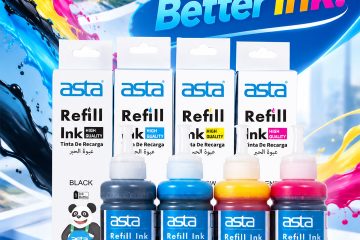
Why Do Air Bubbles Appear in a Printer’s Ink Supply System?
Ink tank printers rely on a steady flow of ink from the tank to the printhead. When air enters the ink supply system, that flow can become unstable—even when there is still plenty of ink in the tank. So, why do these air bubbles appear? Why Do Air Bubbles Form? One common cause is allowing […]
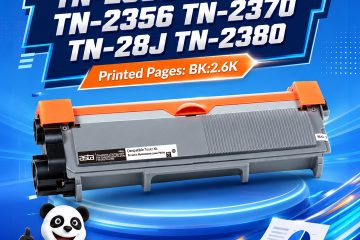
Why Do Toner Cartridges Get Damaged During Shipping?
Why Do Toner Cartridges Get Damaged During Shipping? A toner cartridge may look strong from the outside, but it contains components that can be affected by impact, pressure, moisture, and improper handling. For wholesalers and distributors shipping toner cartridges over long distances, good packaging is more than presentation—it is part of product protection. 1. Drops […]
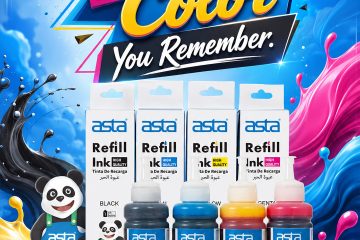
Dye Ink vs. Pigment Ink: Why ASTA Premium Dye Ink is the Smart Choice
When choosing ink for your inkjet printer, understanding the differences between Dye-Based Ink and Pigment-Based Ink ensures you get the best value and quality for your needs. While pigment ink is primarily designed for specialized archival printing, dye-based ink remains the gold standard for vibrant graphics, photo printing, and daily office documents. At ASTA, we […]

Why Does Paper Dust Affect Printer Performance?
A practical guide for office printing and paper selection Paper dust is easy to ignore. But in daily office printing, poor-quality or dusty paper can affect paper feeding, print clarity, and even printer maintenance. When paper sheds too much dust, small fibers and particles may build up inside the printer. Over time, this can cause […]

Why Does Toner Powder Clump?
A practical storage and handling guide for distributors Toner powder should flow smoothly inside the cartridge. When toner clumps, cakes, or becomes uneven, it may affect printing stability and increase after-sales complaints. Clumping is not always caused by poor toner quality. It is often related to humidity, temperature, storage time, packaging, and handling conditions. 1. […]
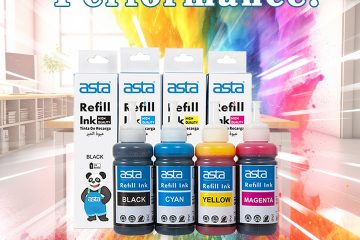
What Happens If You Mix Different Printer Inks?
A practical guide for refill ink users and distributors Mixing different printer inks may look harmless, especially when the color seems similar. But in real use, it can create problems such as color shift, clogging, unstable flow, and shorter printhead life. Ink is not just colored liquid. It is a balanced formula made with colorants, […]
Why Does a Printer Say “Toner Cartridge Not Recognized”?
A practical guide for distributors and end users “Cartridge not recognized” is one of the most common after-sales issues for toner cartridges. But it does not always mean the cartridge is defective. In many cases, the problem comes from model mismatch, chip contact, printer firmware, installation, or region version differences. 1. Model or region version […]

3D Printing Filament Stringing: Why It Happens and How to Reduce It
A quick guide for cleaner prints and fewer customer complaints Stringing happens when thin plastic threads appear between different parts of a 3D print. It is one of the most common issues users face, especially when printing models with gaps, branches, or multiple small structures. In most cases, stringing is not caused by one single […]
Why Does the Same A4 Paper Print Differently?
How paper surface affects sharpness, color, and toner performance Many people think all A4 paper is the same. But paper surface treatment can greatly affect how toner or ink behaves after printing. The same printer and the same cartridge can produce different results on different paper. 1. Paper smoothness affects print sharpness A smoother surface […]

Does Toner Particle Size Matter?
How Toner Technology Affects Print Clarity and Stability When people talk about toner quality, they often focus on darkness or page yield. But behind every clean print is a more complex process. Toner particle size, distribution, and flow performance all influence how accurately a printer can create text and images. 1. Smaller particles can improve […]
Why Does Printer Ink Go Bad?
How to store refill ink and maintain stable print quality Printer ink is sensitive to air, temperature, light, and contamination. Proper storage helps maintain color accuracy, flow stability, and printing performance. 1. Air exposure can change ink performance When ink is exposed to air for too long: water content may evaporate viscosity can change ink […]
Why Do the Same Toner Cartridges Have Different Prices?
What’s behind the price gap? When buyers compare toner cartridges, the cheapest option is not always the most cost-effective. The real difference often comes from materials, production control, testing, and after-sales support. 1. Different components create different costs A toner cartridge is not just toner powder. Key components include: drum unit quality toner formulation blade […]